Key Benefits:
- Workflow Consistency: Apply your company’s formatting standards automatically
- Time Savings: Set rules once, apply everywhere
- Project Flexibility: Activate/deactivate rules per file or project
- Dashboard Management: Control all rules from your dashboard
Example Rule:
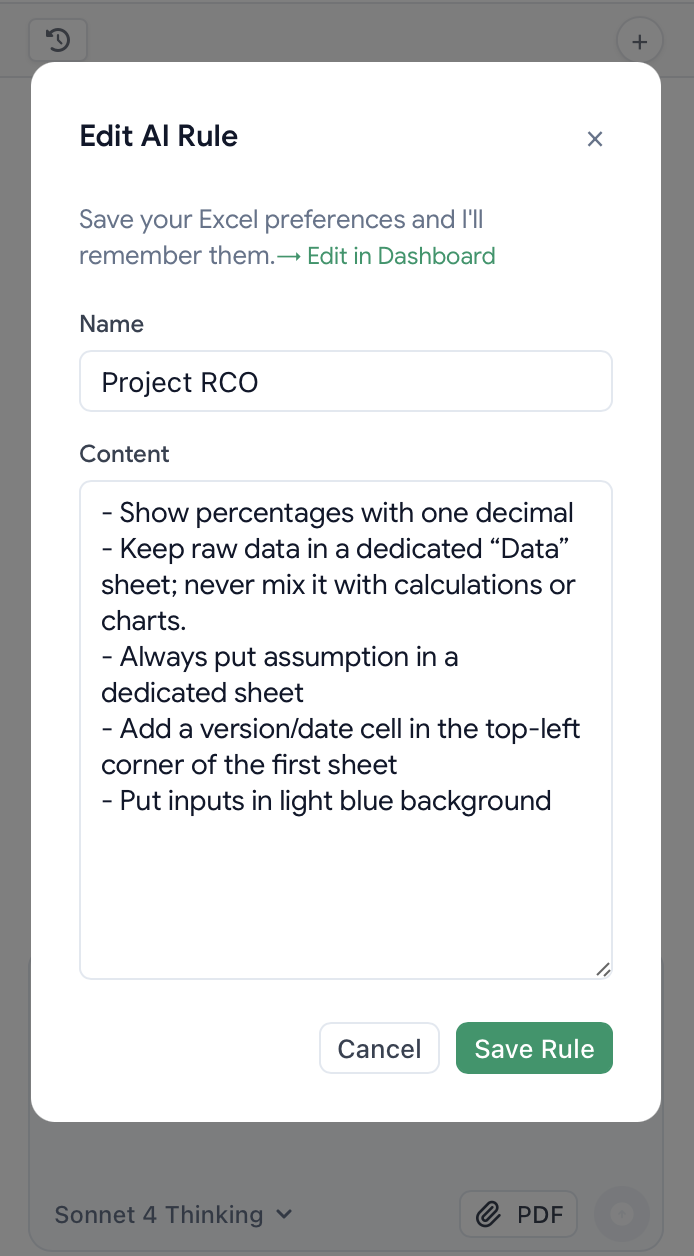
“Show percentages with one decimal place, keep raw data in a dedicated ‘Data’ sheet, highlight inputs in blue and titles in dark green.”How It Works:
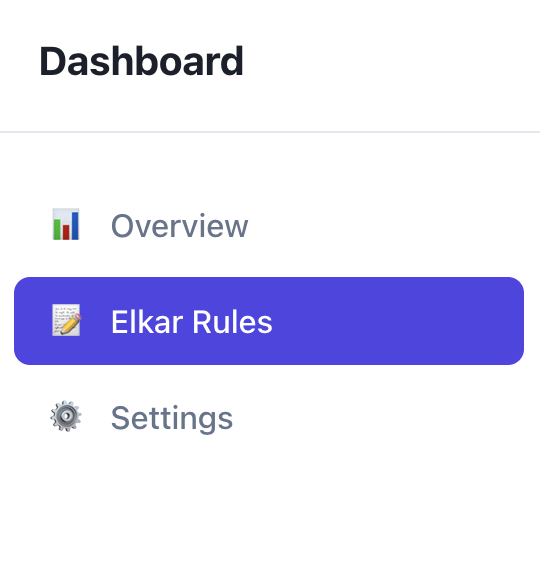
- Go to your dashboard >“Elkar Rules” OR Go to Excel chat directly and click “Rule”
- Define your formatting preferences
- Test on a sample spreadsheet
- Activate it or not depending on your projects