> ## Documentation Index
> Fetch the complete documentation index at: https://sheets-docs.elkar.co/llms.txt
> Use this file to discover all available pages before exploring further.

# Create your Formatting Rules

**Create personalized formatting preferences** that match your unique workflow. Elkar learns from it and applies consistent formatting across all your spreadsheets.

### Key Benefits:

* **Workflow Consistency**: Apply your company's formatting standards automatically
* **Time Savings**: Set rules once, apply everywhere
* **Project Flexibility**: Activate/deactivate rules per file or project
* **Dashboard Management**: Control all rules from your [dashboard](https://sheets-app.elkar.co/)

### Example Rule:

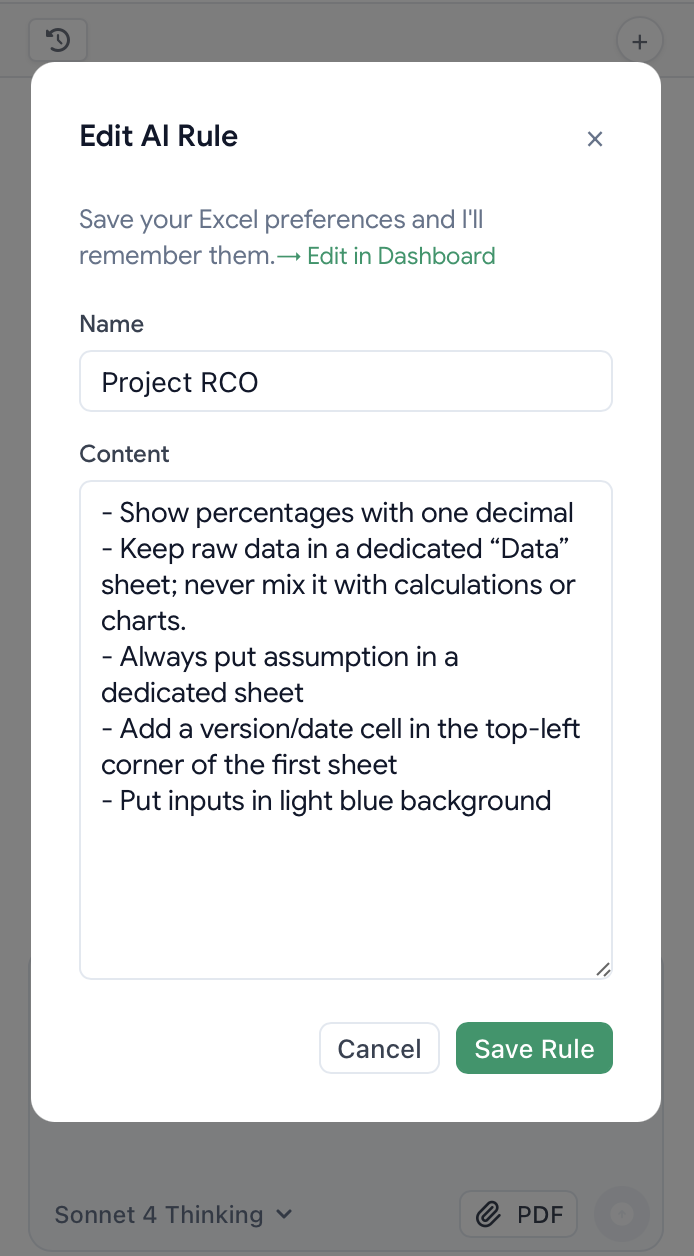
*"Show percentages with one decimal place, keep raw data in a dedicated 'Data' sheet, highlight inputs in blue and titles in dark green."*

### How It Works:

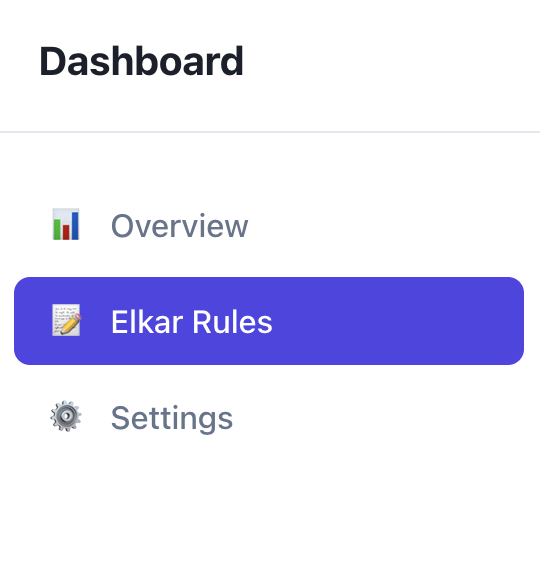
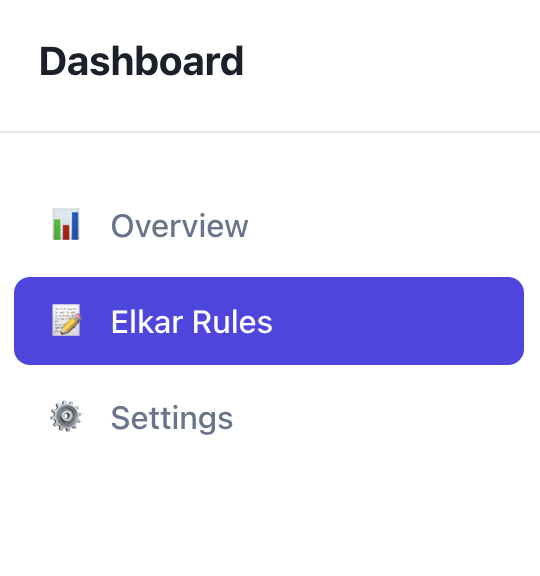
1. **Go to your dashboard** >"Elkar Rules" OR **Go to Excel chat** directly and click "Rule"
2. Define your formatting preferences
3. Test on a sample spreadsheet
4. Activate it or not depending on your projects
<div style={{ display:"flex",gap:"1rem",alignItems:"flex-start" }} />

<CardGroup cols={2}>
  <Card>
    <img src="https://mintcdn.com/elkar-f100985c/-_c3L9_JLHNbTHuR/images/Screenshot2025-08-19at15.17.49.png?fit=max&auto=format&n=-_c3L9_JLHNbTHuR&q=85&s=ca1a500d67eabe7621c2ca09b36f0223" alt="Screenshot 2025-08-19 at 15.17.49.png" title="Screenshot 2025-08-19 at 15.17.49.png" style={{ width:"97%" }} width="540" height="576" data-path="images/Screenshot2025-08-19at15.17.49.png" />
  </Card>

  <Card>
    <img src="https://mintcdn.com/elkar-f100985c/-_c3L9_JLHNbTHuR/images/image.png?fit=max&auto=format&n=-_c3L9_JLHNbTHuR&q=85&s=0216ceb369857554329bad279cdc601f" alt="image.png" title="image.png" style={{ width:"100%" }} width="540" height="576" data-path="images/image.png" />
  </Card>
</CardGroup>

<img src="https://mintcdn.com/elkar-f100985c/-_c3L9_JLHNbTHuR/images/Screenshot2025-08-19at15.13.39.png?fit=max&auto=format&n=-_c3L9_JLHNbTHuR&q=85&s=1874d61419bee851e6448582cc66b98f" alt="Screenshot 2025-08-19 at 15.13.39.png" title="Screenshot 2025-08-19 at 15.13.39.png" className="mx-auto" style={{ width:"42%" }} width="694" height="1256" data-path="images/Screenshot2025-08-19at15.13.39.png" />